Step 1
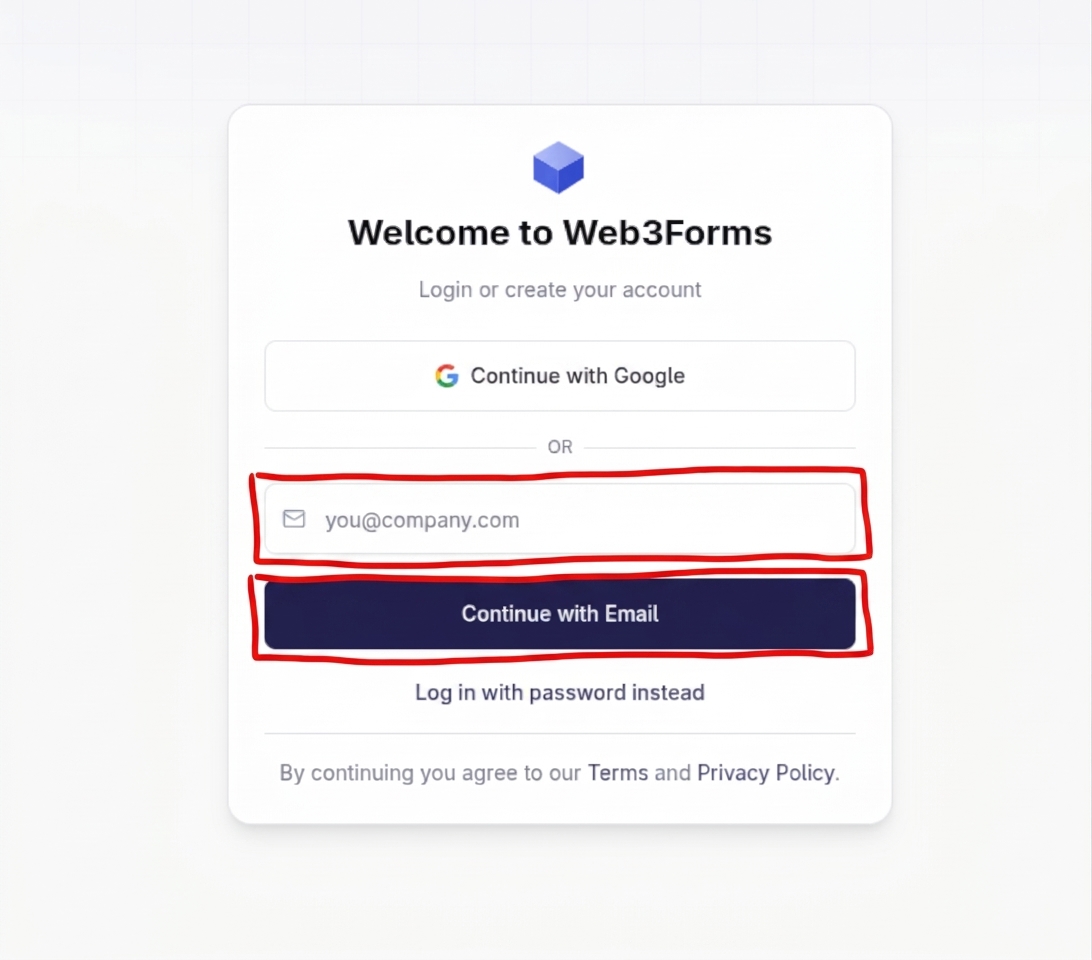
Go to https://app.web3forms.com/auth/login. Enter your email address in the "you@company.com" field and click the "Continue with Email" button. Note that the address provided will be where all form submissions will be emailed to.
Follow this step-by-step guide to sign up for Web3Forms and generate your API key to start receiving contact form submissions directly to your email without server-side code.
Go to https://app.web3forms.com/auth/login. Enter your email address in the "you@company.com" field and click the "Continue with Email" button. Note that the address provided will be where all form submissions will be emailed to.
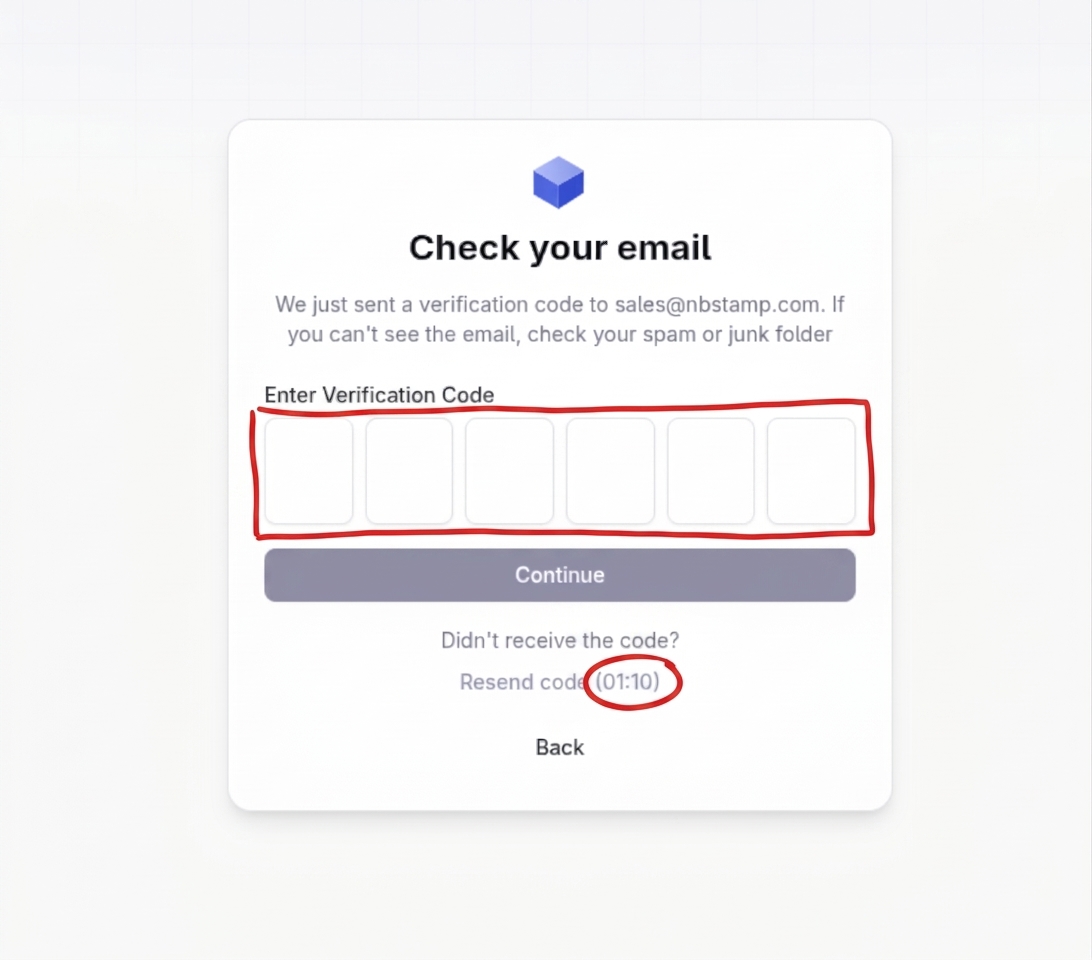
Check your email for a verification code. Enter the verification code into the boxes provided before the time limit expires.
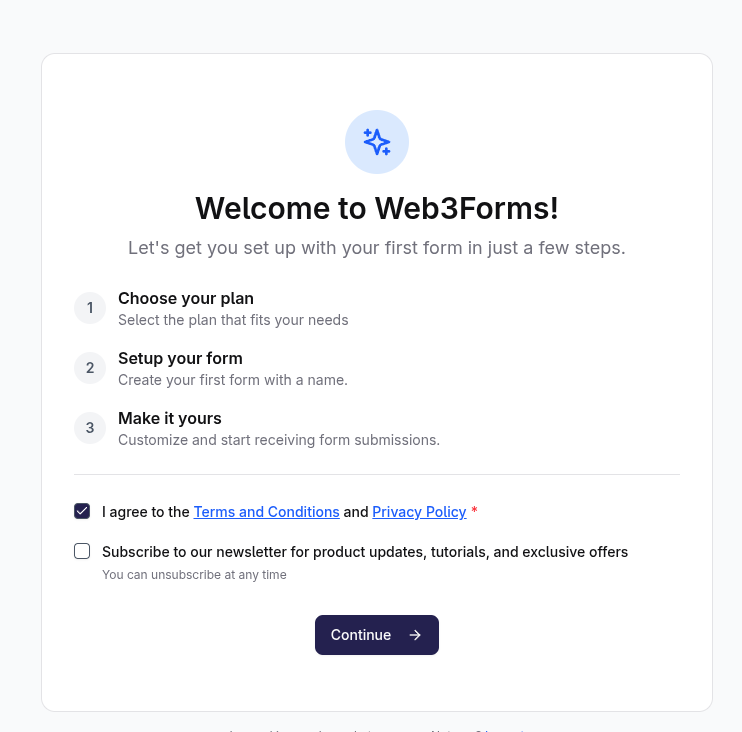
On the "Welcome to Web3Forms!" page, check the box to agree to the Terms and Conditions and Privacy Policy, then click the "Continue" button.
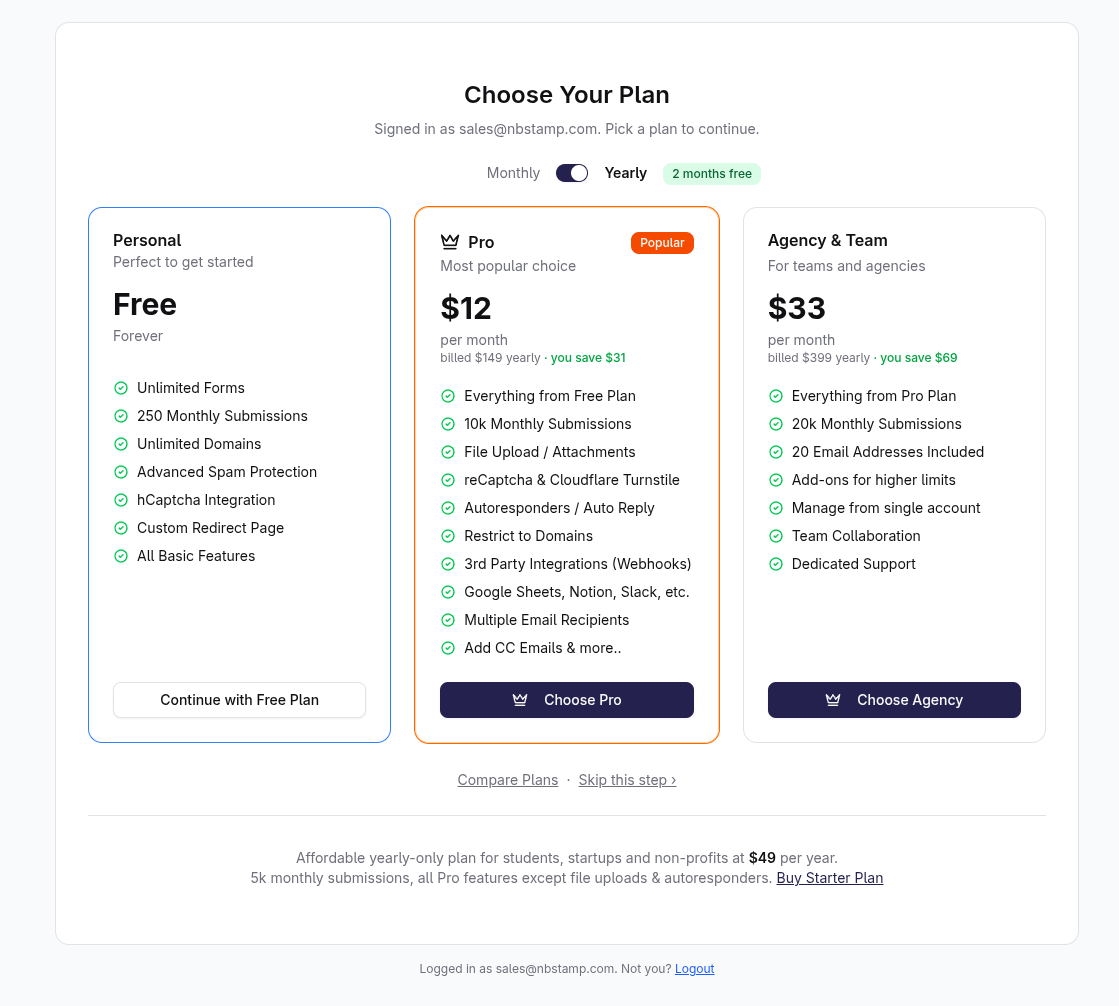
On the "Choose Your Plan" page, click the "Continue with Free Plan" button under the Personal / Free tier.
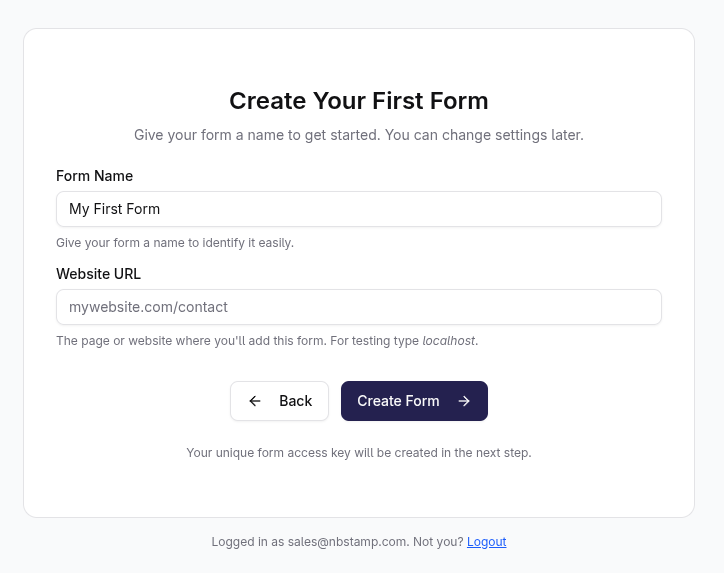
On the "Create Your First Form" page, enter a generic name like "Contact" in the "Form Name" field, and enter your website's domain name (e.g., example.com) in the "Website URL" field—do not include the specific page URL. Then, click "Create Form".
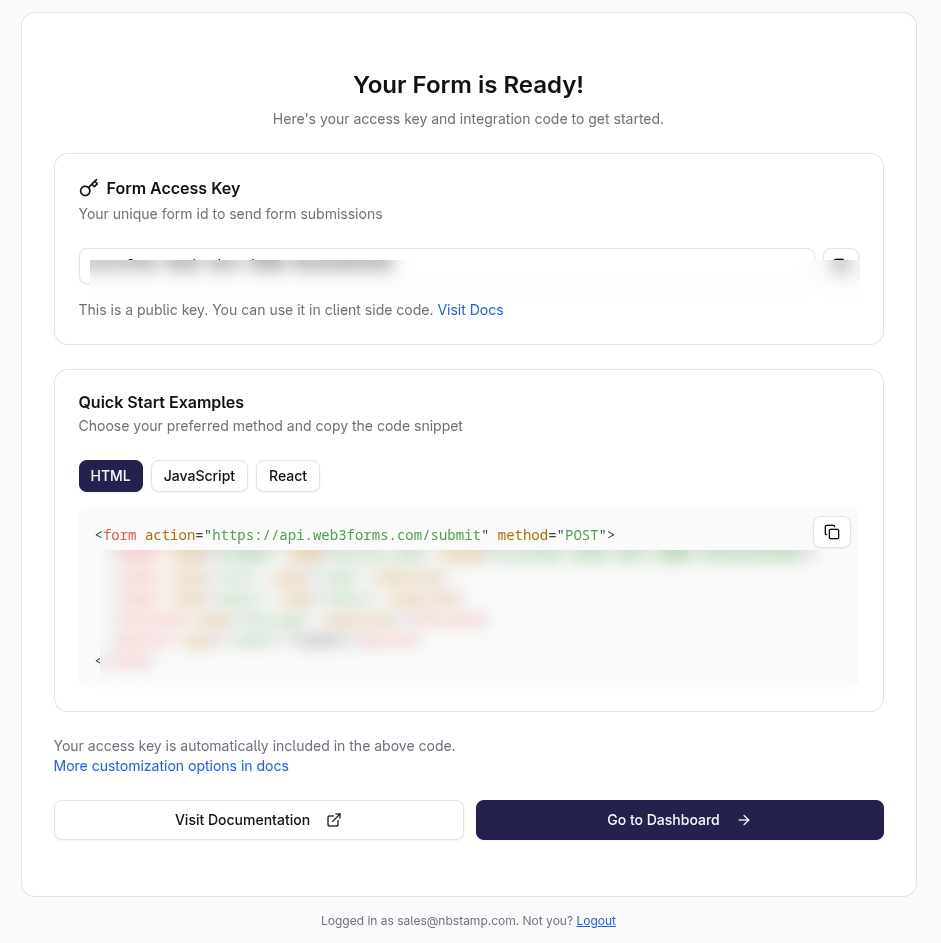
On the "Your Form is Ready!" page, click the copy icon next to the "Form Access Key" field to copy your API key. Provide this Form Access Key to the contact who is building your site so they can add it to your website.